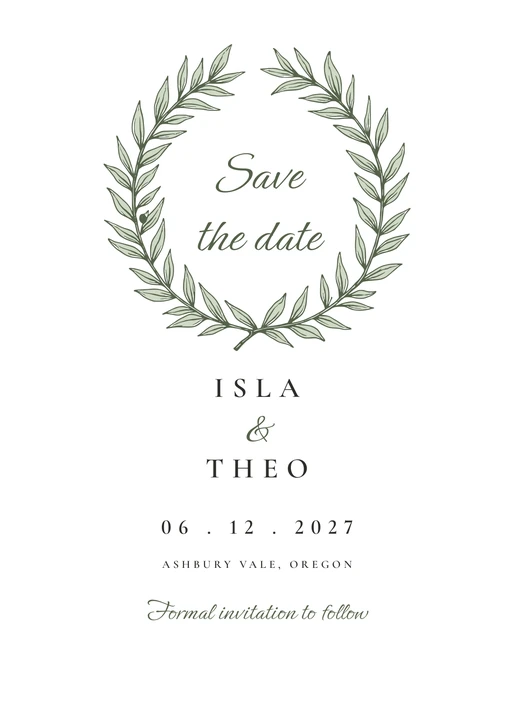
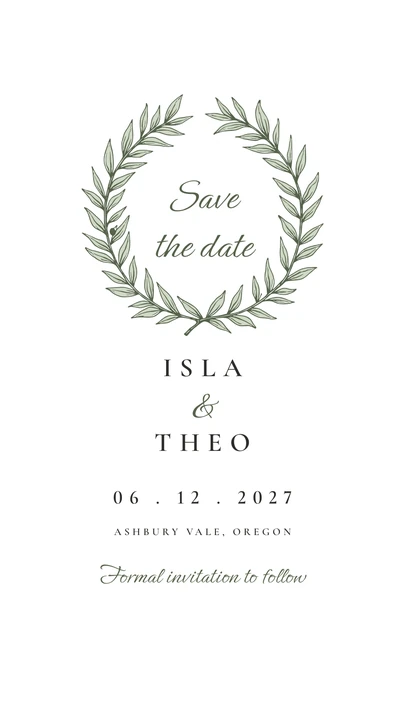
Save the Date in the Olive Grove designSave the Date as a phone image in the Olive Grove design
Shown with example names · Olive Grove
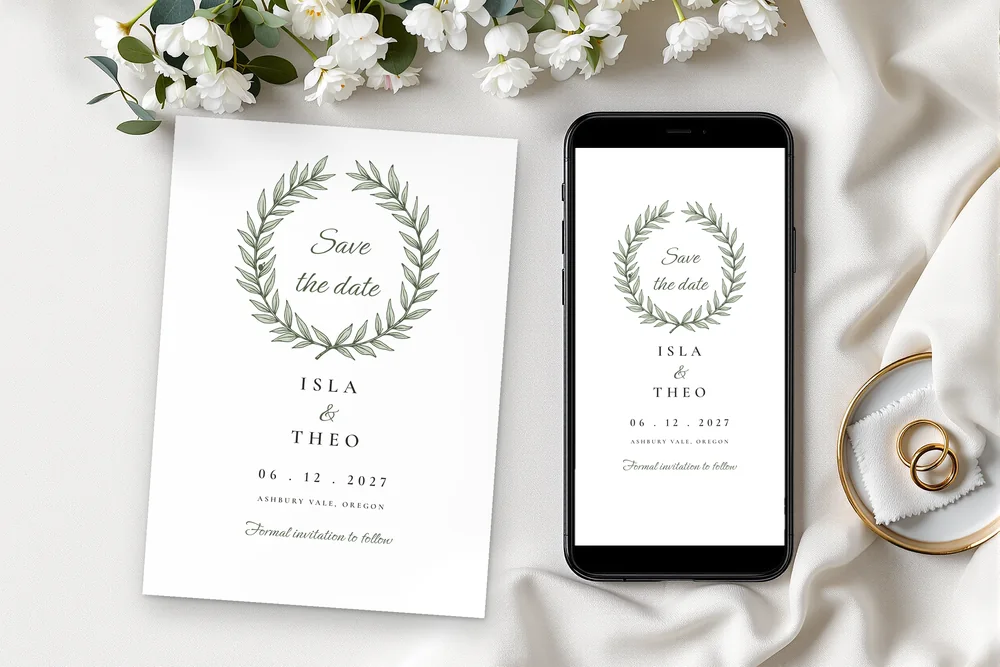
A printed save the date card next to a phone showing the digital save the date

Save the date · $8 · 4 designs

Save the date templates to print and to send

Our save the date templates give you a 5 × 7 inch card for the mail and a phone-size image for text and email. Both come from the same details, in the same design as your invitation.

Save the Date

$8

5 × 7 in printable card, plus a digital image at 1080 × 1350 px and 1080 × 1920 px (PNG or JPG)

Choose your design: Olive Grove

After you buy

  1. Pay securely with Stripe.
  2. Open your personalizer. Your download link arrives by email right away. Open the personalizer from the folder in Google Chrome on your computer.
  3. Type it, then print. Add your names and details, watch every card update, then download the print-ready PDF.
  • Works offline in Google Chrome on your computer; nothing is uploaded.
  • PDF made for US Letter or A4, plus single-card PDFs for a print shop and a 300 ppi JPG.
  • 6 color palettes or your own color, and 2 layouts.
  • Filled example and blank version included.
All 13 pieces in your design for $39
The full suite includes the save the date. The full suite’s 13 pieces cost $97 if bought separately.
See the sets

5 × 7 in card

Plus 1080 × 1350 and 1080 × 1920 px images

US Letter and A4

Plus single-card PDFs and 300 ppi JPGs

6 palettes + your color

And 2 layouts for every piece

Edit in your browser

Google Chrome on your computer, offline

What you get

What is in the save the date download?

Every save the date download holds a personalizer, a filled example and a blank version. You get a 5 × 7 in card, two to a sheet, as PDFs for US Letter and A4. The personalizer also saves phone images at 1080 × 1350 and 1080 × 1920 px. You edit it in Google Chrome on your computer.

Sizes5 × 7 in printable card, plus a digital image at 1080 × 1350 px and 1080 × 1920 px (PNG or JPG)
What you editThe heading, your names, the date, the city and a last line such as “Formal invitation to follow”.
Per sheet2 per US Letter or A4 sheet
PrintingCardstock, or send the image. Print at Actual size (100%); a 1 in (25 mm on A4) check bar is on most sheets. Cardstock 80–110 lb cover (216–300 gsm) for cards.
FilesPDFs on US Letter and on A4, single-card PDFs at the exact size for print shops, JPGs at 300 ppi; each as filled example and blank. Plus the personalizer and a start guide (START-HERE.pdf).
Color and layout6 palettes per design or your own color; 2 layouts. Fonts are fixed per design.
EditingIn the personalizer, in Google Chrome on your computer. It works offline and uploads nothing. Not included: editing in other programs, envelopes, printed cards.
UsePersonal use for your own wedding; no resale.

Good to know

A digital save the date from the same file

The personalizer saves the card as an image for phones, as PNG or JPG. The 1080 × 1350 px size suits a post or a message, and 1080 × 1920 px fills a full screen. You send it yourself, by text, email or a messaging app.

Two phone sizes, both 1080 px wide

Both phone images are 1080 px wide. One is 1350 px tall for a post or message, and the other is 1920 px tall for a full-screen story.

Save the date and wedding invitations that match

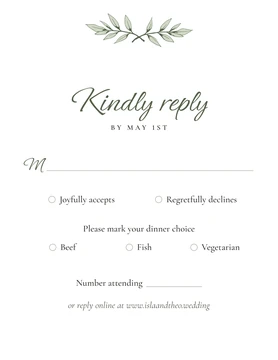
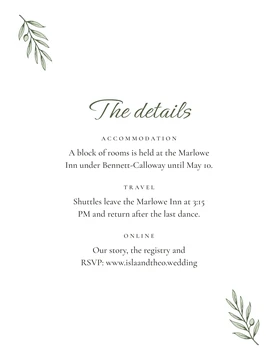
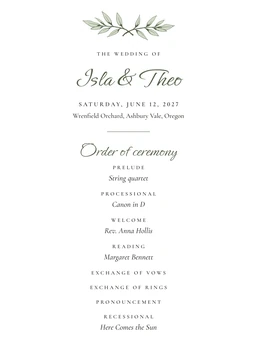
The save the date belongs to the same design as the invitation, RSVP card, details card and all the day-of paper. With Save backup, the names and date you type here open in any other piece of the same design. The invitation then starts with your details already in place.

Destination wedding save the date: the city on the card

The card has its own line for the city, under the date, and a last line you can use for “Formal invitation to follow” or a note about travel. For a destination wedding, guests learn the place as early as the date.

Beach wedding save the date in Wild Pampas

Wild Pampas is drawn for beach, desert and garden weddings, with sand arches, dried pampas and fan palms. A rainbow layout is the second option. Its six palettes run from Terracotta to Desert teal.

Save the date examples for each wedding style

Olive Grove has a laurel wreath, and Meridian a tinted arch or a soft circle. Copperplate has a penwork cartouche, and Wild Pampas a sand arch or a rainbow. Each download includes a filled example and a blank version.

A save the date announcement template: what to write

Keep it short: a heading (“Save the date”), your names, the date, the city and one last line. The personalizer has exactly these fields, so the card stays clean and the details stay for the invitation.
How it works

You buy a personalizer, not a finished file

  1. 1Choose and buyPick the design and the pieces. Checkout is by Stripe.
  2. 2Open your personalizerYour download link arrives by email right away. Open the personalizer from the folder in Google Chrome on your computer.
  3. 3Make it yoursType your names, date and wording once. Every card updates as you type; change the colors or the layout if you like.
  4. 4PrintClick Download PDF and print at home or at a print shop.

The personalizer

Type it once. Every piece follows.

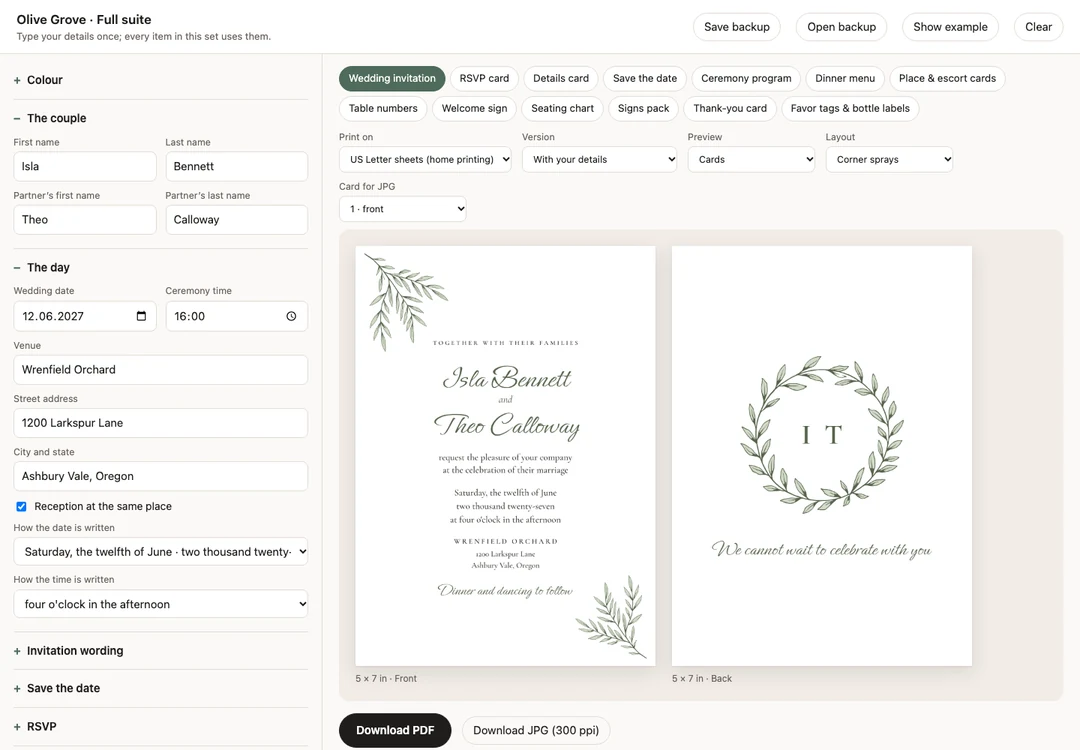
Your details live in one place. In a set, a single personalizer holds every piece: switch between them with the tabs. Save backup carries your details to any other piece of the same design.

Olive Grove · Full suite
The personalizer in Google Chrome: the couple’s details on the left, the invitation front and back on the right, with Download PDF and Download JPG buttons
  • Your names fitLong names and extra lines are fitted within limits. If something still does not fit, the page says which field before the download.
  • Six palettes or your own colorOne click recolors every piece. Type any color: a color too light to read on white paper is refused, a slightly light one darkened.
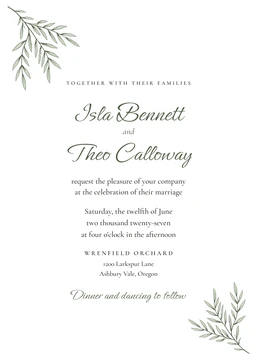
  • Two layouts for every pieceFor example corner sprays or a crest on the Olive Grove invitation.
  • Download PDF, at the right sizeMade inside the page at the right size for US Letter or A4, or as single cards for a print shop, so there is nothing to scale. Print at Actual size (100%).
  • Private and offlineOpen it in Google Chrome on your computer. Everything stays on your computer; nothing is uploaded.

Complete the suite

Matching pieces, one price

Every set comes in each of the four designs and has one personalizer for all its pieces. The struck-through figure is what the same pieces cost one by one.

Choose your design: Olive Grove

Invitation Suite

3 pieces.

  • Wedding invitation.
  • RSVP card.
  • Details card.
$15$20if bought separately

What is inside

Day-of Suite

8 pieces for the day.

  • Ceremony program.
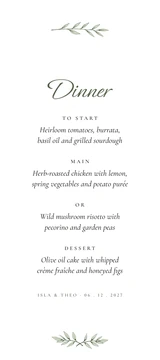
  • Dinner menu.
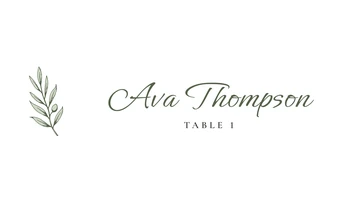
  • Place & escort cards.
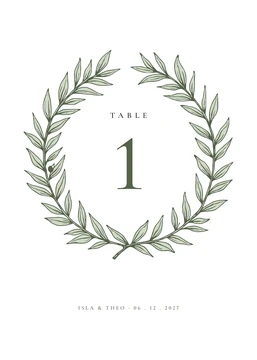
  • Table numbers.
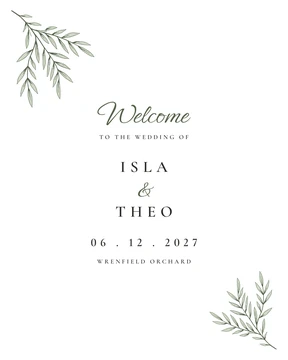
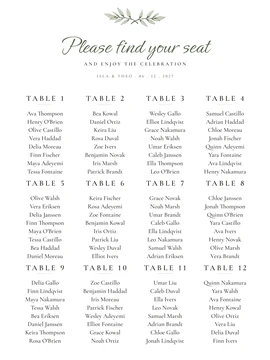
  • Welcome sign & seating chart.
  • Signs pack (10) · favor tags & labels.
$29$63if bought separately

What is inside

Full Suite

All 13 pieces.

  • The invitation suite.
  • Save the date.
  • Everything in the day-of suite.
  • Thank-you card.
$39$97if bought separately

What is inside

The whole wedding

Complete Wedding

Full suite + planning + games.

  • All 13 stationery pieces.
  • Planning bundle: 9 spreadsheets.
  • 7 reception games.
  • All in one download.
$59$152if bought separately

What is inside

FAQ

Questions couples ask

How far before a wedding should you send save the date?

Save the dates usually go out six to eight months before the wedding. For a destination wedding, send them earlier so guests can plan travel.

What goes on a save the date?

A save the date carries your names, the date and the city. Many add a line such as “Formal invitation to follow”. Those are the fields of our template.

Can you send save the date digitally?

Yes, you can send our save the date digitally as well as by mail. Each one includes a phone-size image at 1080 × 1350 and 1080 × 1920 px, as PNG or JPG. You send it yourself by text or email.

Can I print my own save the date?

Yes, you can print our save the date at home. The PDF is made for US Letter or A4, two 5 × 7 cards per sheet with crop marks. Print at Actual size (100%) on cardstock and cut on the marks, or take the single-card PDF to a print shop.

How to send save the date for a wedding?

Save the dates go out by mail, by text or email, or both. Our template gives you a 5 × 7 in card to mail and phone images at 1080 × 1350 and 1080 × 1920 px to send yourself.

Do save the date and wedding invitations need to match?

A save the date and the invitations do not need to match, but a match makes the invitation feel familiar when it arrives. Each of our four designs has its own save the date. It shares the art and palette of the invitation.

Can you skip save the date and just send invites?

Some couples skip the save the date, especially for a small or local wedding. For travel, a holiday weekend or a long guest list, an early save the date gives guests time to plan.

Olive Grove Save the Date$8