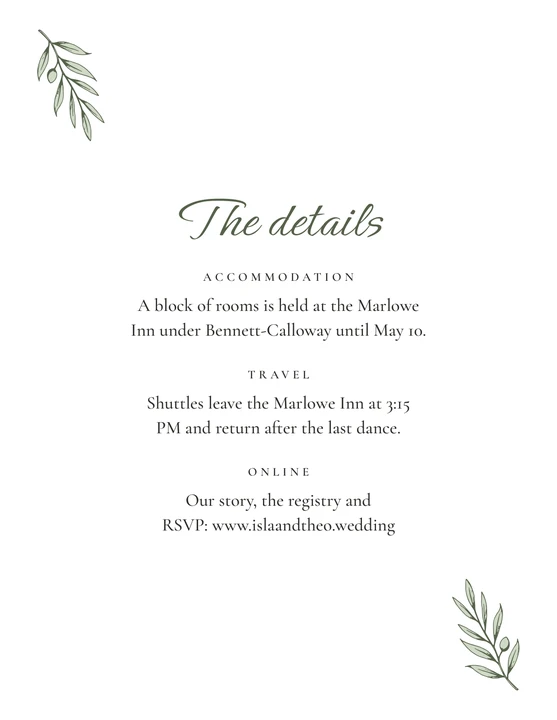
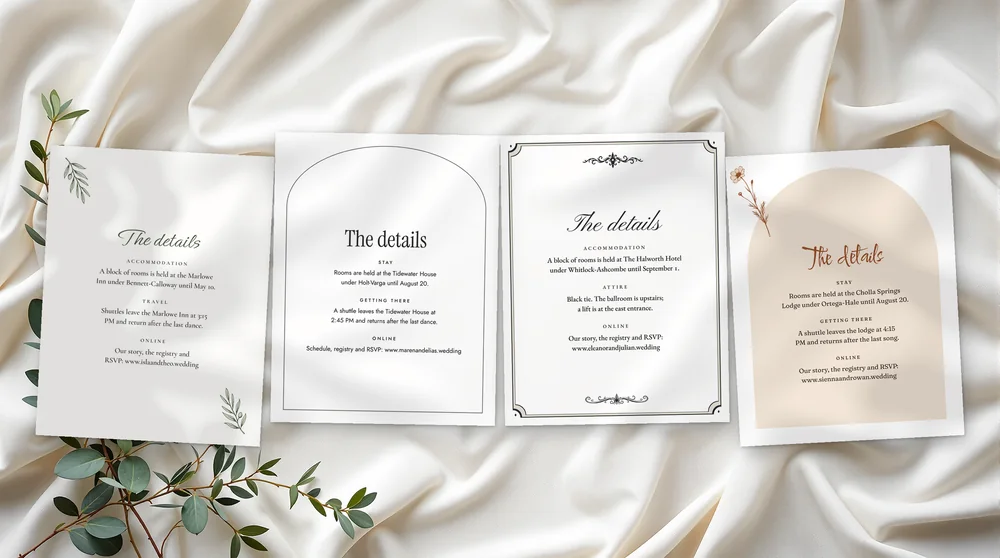
Our wedding invitation details card holds what does not fit on the invitation: where guests stay, how they get there and where to find your website. It is 4.25 × 5.5 inches, two per sheet.
All 13 pieces in your design for $39 The full suite includes the details card. The full suite’s 13 pieces cost $97 if bought separately.See the sets
4.25 × 5.5 in
Up to four sections, 2 per sheet
US Letter and A4
Plus single-card PDFs and 300 ppi JPGs
6 palettes + your color
And 2 layouts for every piece
Edit in your browser
Google Chrome on your computer, offline
What you get
What is in the details card download?
Every details card download holds a personalizer, a filled example and a blank version. The card is 4.25 × 5.5 in, two to a sheet, with a heading and up to four sections. You get PDFs for US Letter and A4, single-card PDFs and JPGs at 300 ppi. You edit it in Google Chrome on your computer.
Sizes
4.25 × 5.5 in
What you edit
The heading and up to four sections, each with a title and text (for example accommodation, travel, online).
Per sheet
2 per US Letter or A4 sheet
Printing
Cardstock. Print at Actual size (100%); a 1 in (25 mm on A4) check bar is on most sheets. Cardstock 80–110 lb cover (216–300 gsm) for cards.
Files
PDFs on US Letter and on A4, single-card PDFs at the exact size for print shops, JPGs at 300 ppi; each as filled example and blank. Plus the personalizer and a start guide (START-HERE.pdf).
Color and layout
6 palettes per design or your own color; 2 layouts. Fonts are fixed per design.
Editing
In the personalizer, in Google Chrome on your computer. It works offline and uploads nothing. Not included: editing in other programs, envelopes, printed cards.
Use
Personal use for your own wedding; no resale.
Good to know
Wedding invitation details: what goes on the card
The card has a heading and up to four sections, each with a title and text. Couples often use them for a hotel block and its booking date, travel such as a shuttle or parking, and the dress code. The last one often points to the website, registry and RSVP. Each section is a field you fill in.
How it works
You buy a personalizer, not a finished file
1Choose and buyPick the design and the pieces. Checkout is by Stripe.
2Open your personalizerYour download link arrives by email right away. Open the personalizer from the folder in Google Chrome on your computer.
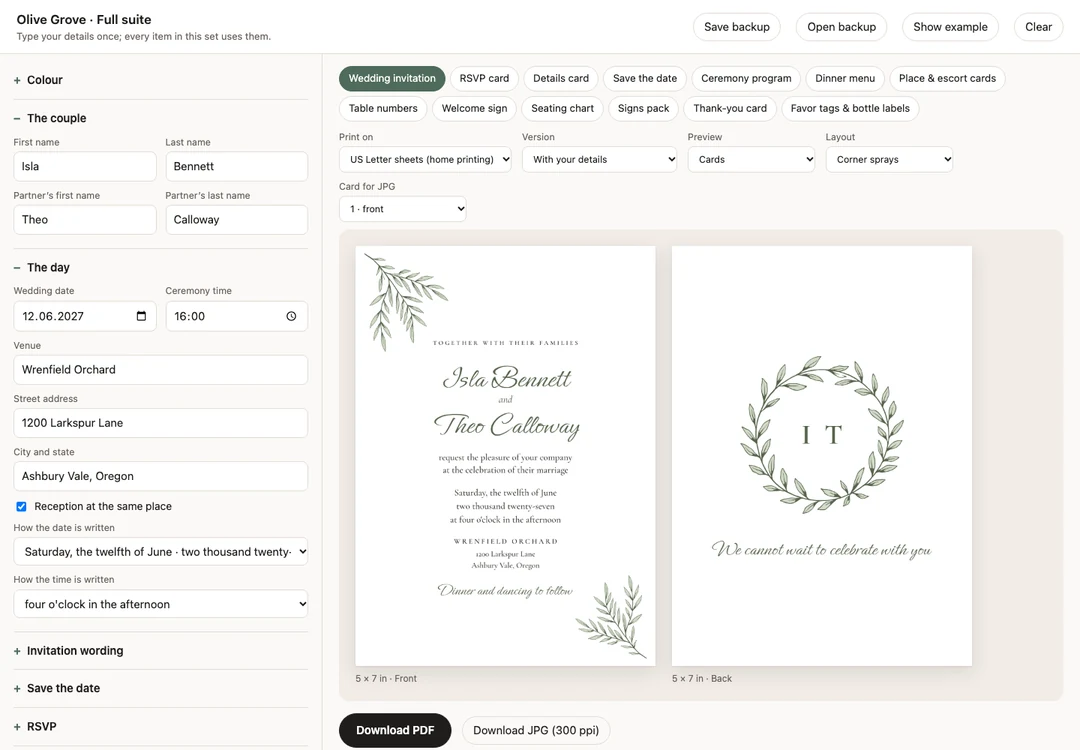
3Make it yoursType your names, date and wording once. Every card updates as you type; change the colors or the layout if you like.
4PrintClick Download PDF and print at home or at a print shop.
The personalizer
Type it once. Every piece follows.
Your details live in one place. In a set, a single personalizer holds every piece: switch between them with the tabs. Save backup carries your details to any other piece of the same design.
Olive Grove · Full suite
Your names fitLong names and extra lines are fitted within limits. If something still does not fit, the page says which field before the download.
Six palettes or your own colorOne click recolors every piece. Type any color: a color too light to read on white paper is refused, a slightly light one darkened.
Two layouts for every pieceFor example corner sprays or a crest on the Olive Grove invitation.
Download PDF, at the right sizeMade inside the page at the right size for US Letter or A4, or as single cards for a print shop, so there is nothing to scale. Print at Actual size (100%).
Private and offlineOpen it in Google Chrome on your computer. Everything stays on your computer; nothing is uploaded.
Complete the suite
Matching pieces, one price
Every set comes in each of the four designs and has one personalizer for all its pieces. The struck-through figure is what the same pieces cost one by one.
A crowded invitation is hard to read, and a bare one leaves guests texting you about hotels and parking.
FAQ
Questions couples ask
How big should a wedding details card be?
A wedding details card is smaller than the invitation, so both fit in the same envelope. Ours is 4.25 × 5.5 in, which sits in front of or behind a 5 × 7 invitation.
What to put on a details card for a wedding invitation?
A details card carries the practical information: hotels, travel and parking, the dress code, and your website. The website can hold the schedule, registry and online replies. Our template has room for four such sections.
Is a details card necessary for wedding invitations?
A details card is not required, but it keeps the invitation itself short and formal. If guests need hotel, travel or parking notes, the card gives them a place. If they need none, the invitation can stand alone.
What details go on a wedding invitation?
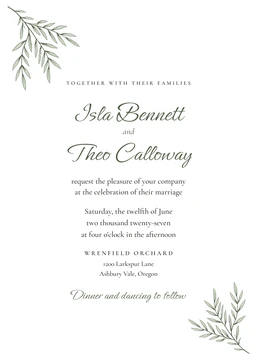
The invitation itself carries the hosts, your names, the date and time, and the venue. Practical notes such as hotels or parking go on the details card. That split keeps both cards easy to read.
What information should be included in a wedding invite?
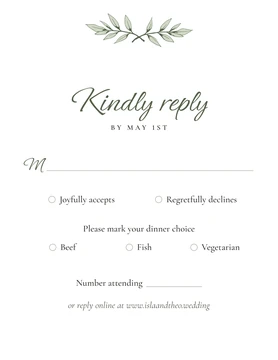
A wedding invite should say who is hosting, who is marrying, when and where. A closing line can tell guests what follows, such as dinner and dancing. The reply goes on the RSVP card and the practical notes on the details card.
Does a wedding website go on a save the date?
Many couples put the wedding website on the details card and on the RSVP card rather than on the save the date. Our save the date has a free last line you can use for it. The details card has a section for it.